Let an Assistant Make the Link and Read the Clicks

Ask an assistant to make a Friday sale link and report yesterday's clicks. You still own the key, the offer, and the last look at the numbers.

By Viso.li Team
Team
|Last updated: October 19, 2026|3 minutes read
Use CaseAIShort LinksAnalytics
Let an Assistant Make the Link and Read the Clicks

The Friday sale

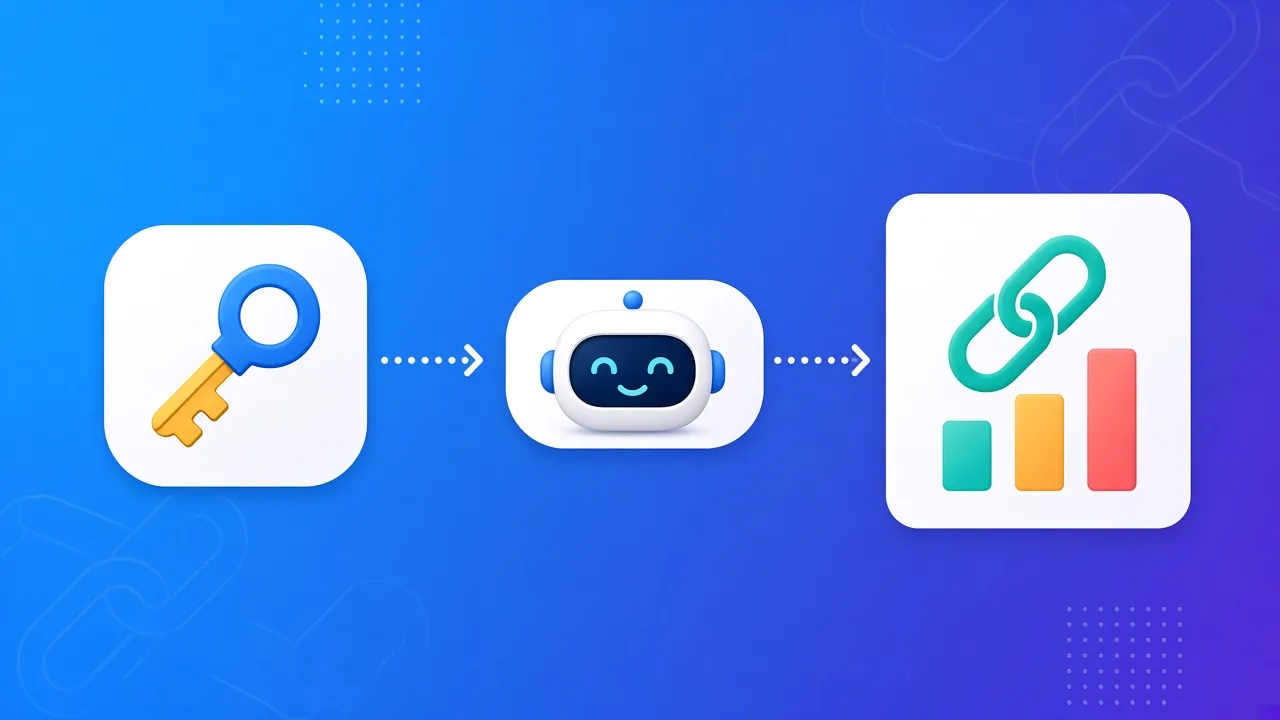
It is Thursday. You have a sale page, a newsletter, and a post to write. You do not want to click through the dashboard for one more link. You tell your assistant: "Make a short link to the Friday sale page. Tomorrow, tell me how many clicks it got." That is a fair job. It is two API calls if the assistant behaves: one to create the link, one later to read the stats. The setup is in how to let an AI use Viso.li. The meaning of the public files is in what AI ready means.

What the assistant actually does

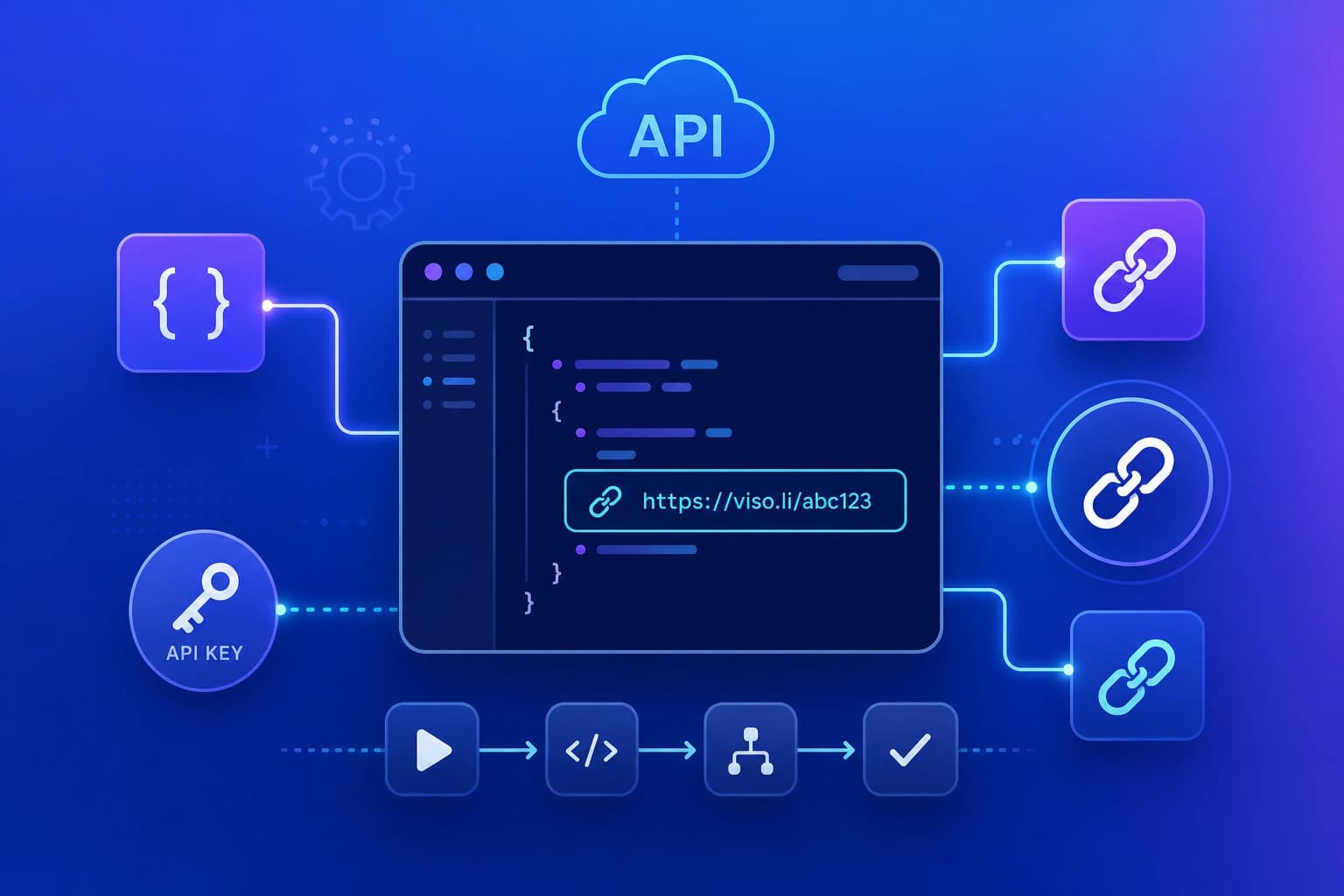
It does not log into your dashboard. It reads the public map at https://viso.li/llms.txt and the action list at https://viso.li/openapi.json. Then it calls the API with the key you stored for it. First it creates the short link and sends you the short URL. You paste that URL into the newsletter and the post. You use the same short link in both places only if you do not need to tell them apart. If you do, ask for two links to the same page. The next day it reads the click stats and answers in a sentence. "The Friday link had 46 visits." You can ask which number it used, visits or unique visitors, so you do not mix them up next week. The same key can also list domains and read a campaign. You do not need those for a one page sale. Leave them out of the prompt so the assistant does not wander.

What you still do

You write the offer. The assistant does not know that the sale ends Sunday night unless you say so. You check the short URL before you send it. Open it once. If it lands on the wrong page, fix the destination. Do not let the assistant "try a few versions" without looking. Each try is another API call, and the cap is 50 calls a day. You keep the key private. The assistant may store it in its own secret settings. It should not print the key back in the chat, and you should not paste the key into a group thread to "save time." If the assistant is wrong, the dashboard is still the source you trust. Open the link there and read the same stats yourself. People who want to skip the assistant and call the API from code can use the developer guide. The assistant is only a convenience on top of that same API.

Share this article

Viso.li

Track every link you share

Create branded short links, measure click performance, and understand which campaigns drive traffic—without enterprise complexity.

Frequently asked questions