What AI ready means
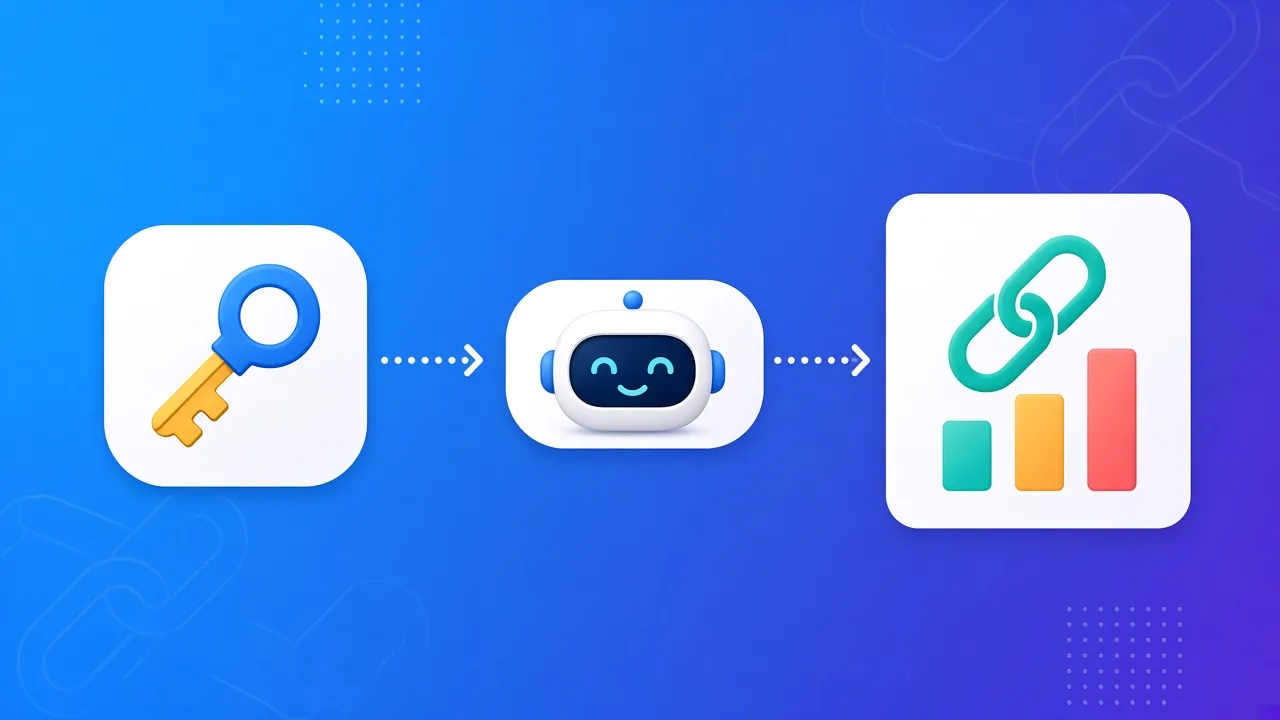
AI ready means an assistant you already use can learn Viso.li without you pasting the whole manual into the chat. Viso.li does not have a chatbot inside the dashboard. There is no "ask Viso" box. The help is a set of public files. An assistant reads those files, then calls the same API a developer would call. That is the whole idea. The product stays a link shortener. The assistant stays in the app you already opened, such as a coding tool or a chat app that can use tools.What MCP ready means
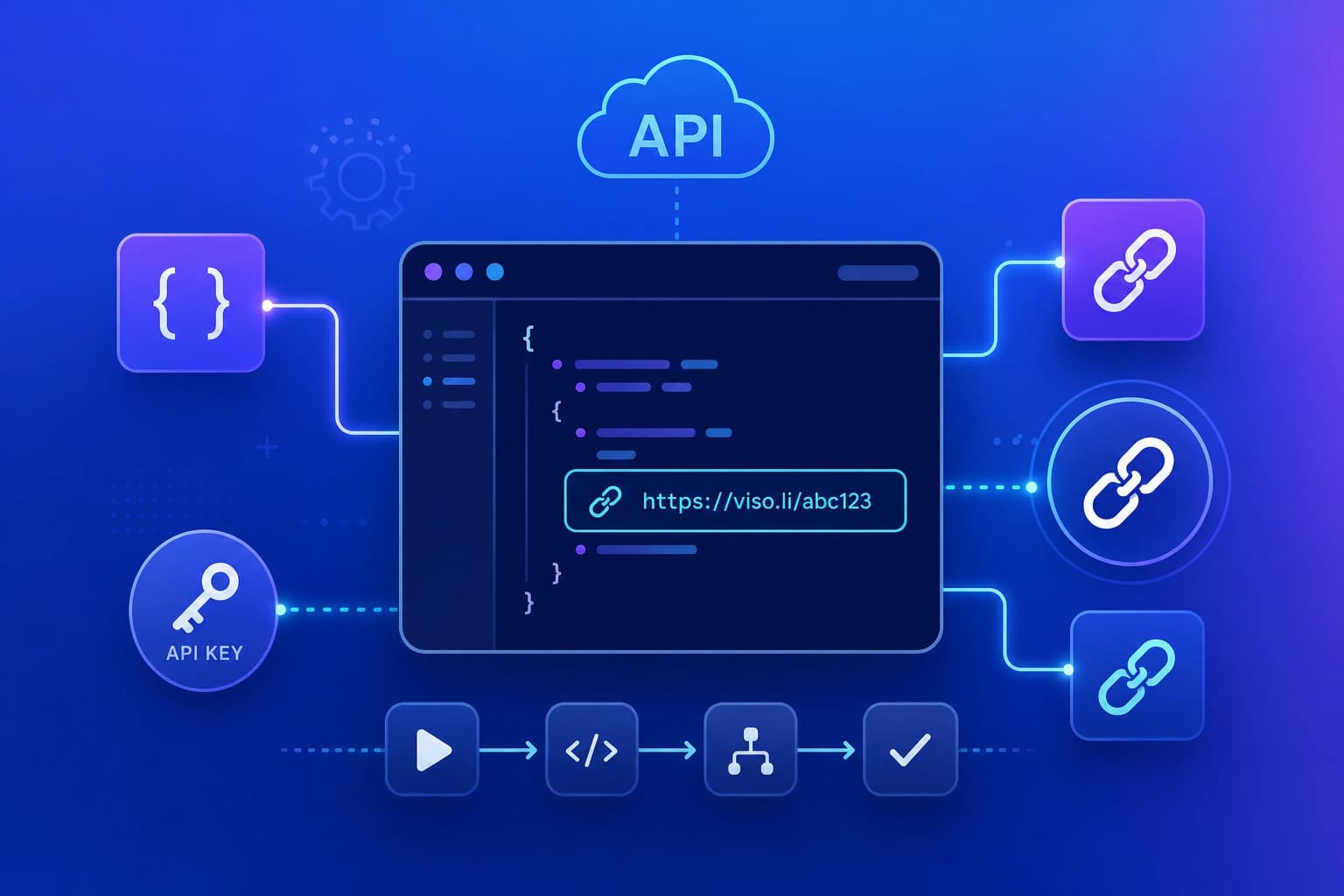
MCP is a plug. It lets an AI app call outside tools in a standard way. Viso.li does not run an MCP server. It does not "speak MCP" by itself. What it does is publish a clear list of actions. An assistant, or an MCP tool that wraps that list, can turn those actions into buttons the AI is allowed to press. Think of it like a power outlet. The lamp is the assistant. The outlet shape is MCP. Viso.li is the appliance the lamp can switch on, once you give the assistant a key.The files an assistant can read
Start with the short map. It lists the docs and the machine readable files:- https://viso.li/llms.txt is the short map.
- https://viso.li/llms-full.txt is the full API reference in one text file.
- https://viso.li/openapi.json is the OpenAPI 3.1 list of actions.
- https://viso.li/.well-known/api-catalog points at the OpenAPI file and the docs.
What an assistant can do
With a key, the API can:- Create a short link and read the links you already have.
- Read click stats for a link.
- List custom domains on the account.
- Create and read campaigns, and see how a campaign goal is doing.