
Flyer or poster QR code
01QR on poster → viso.li/local-event
Place a QR code on printed local campaign materials.

Tip: Watch clicks by time and location after people scan and visit.
Generate QR codes for short links and measure offline-to-online interest after people scan, click, and visit your destination.
Booth offer link
viso.li/booth-offer
892
Visits
756
Visitors
9
Countries
Scan to visit
Scans over time
Problem and outcome
A printed QR code is only useful if it routes people reliably and gives you a way to understand engagement after scans turn into visits.
Link + QR code
Print anywhere
Track scans
How it works
Paste your destination URL and create a short link from the dashboard.
Use the link in posts, email CTAs, QR codes, print materials, or campaigns.
Review visits, visitors, referrers, geography, devices, trends, and exports.
Benefits
Put QR codes on physical materials without exposing long destination URLs.
Measure traffic through the short link instead of using a static, disconnected QR file.
Use geography, device, and time trends to understand where offline interest appears.
Create the link, generate the code, share it, and review analytics from one workflow.
Examples
QR on poster → viso.li/local-event
Place a QR code on printed local campaign materials.
Tip: Watch clicks by time and location after people scan and visit.
QR on packaging → viso.li/signup
Route customers to a menu, signup form, product page, or offer.
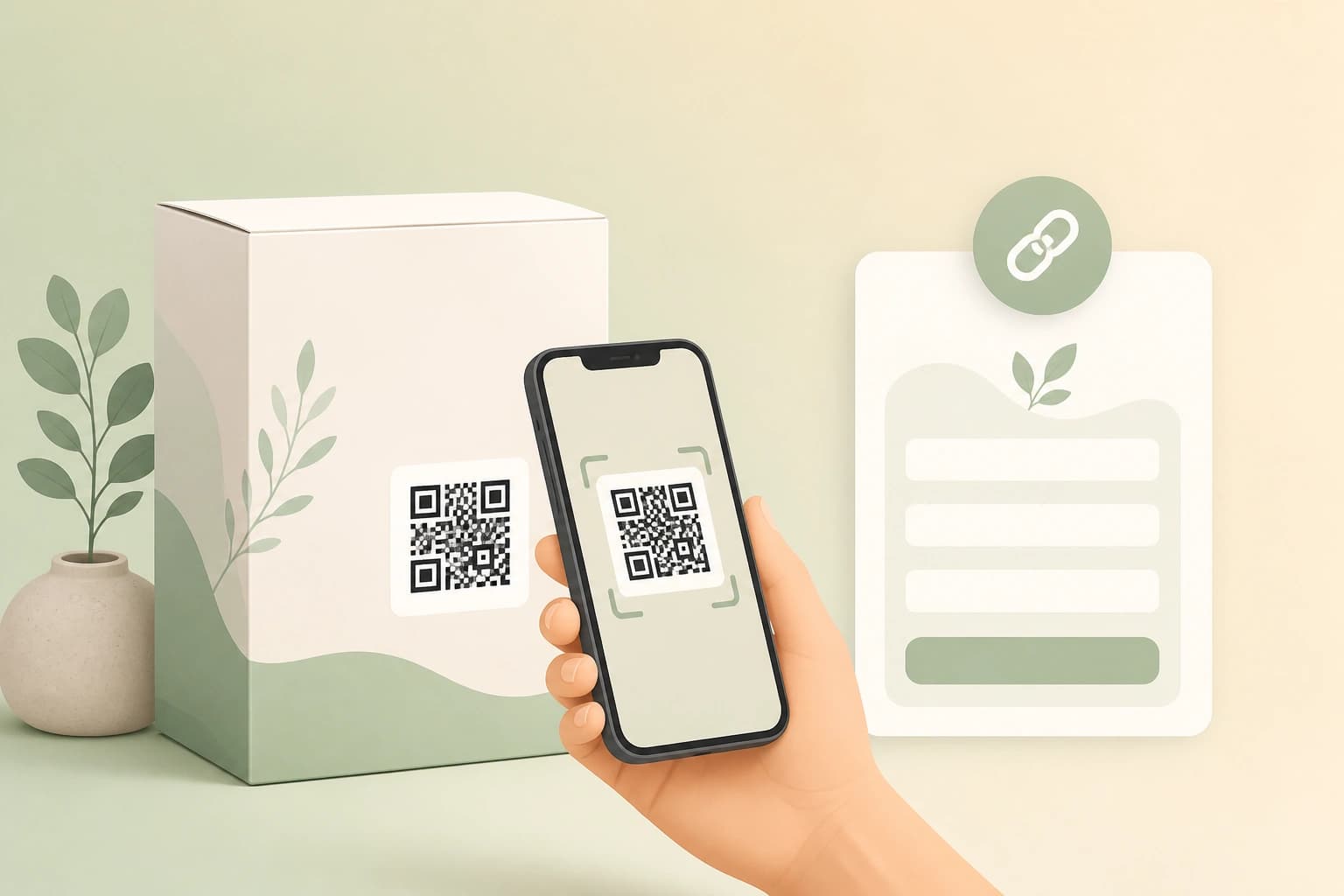
Tip: Use device and country data to understand scan-to-visit behavior.
QR on handout → viso.li/demo
Show a QR code on slides, booth signage, or handouts.
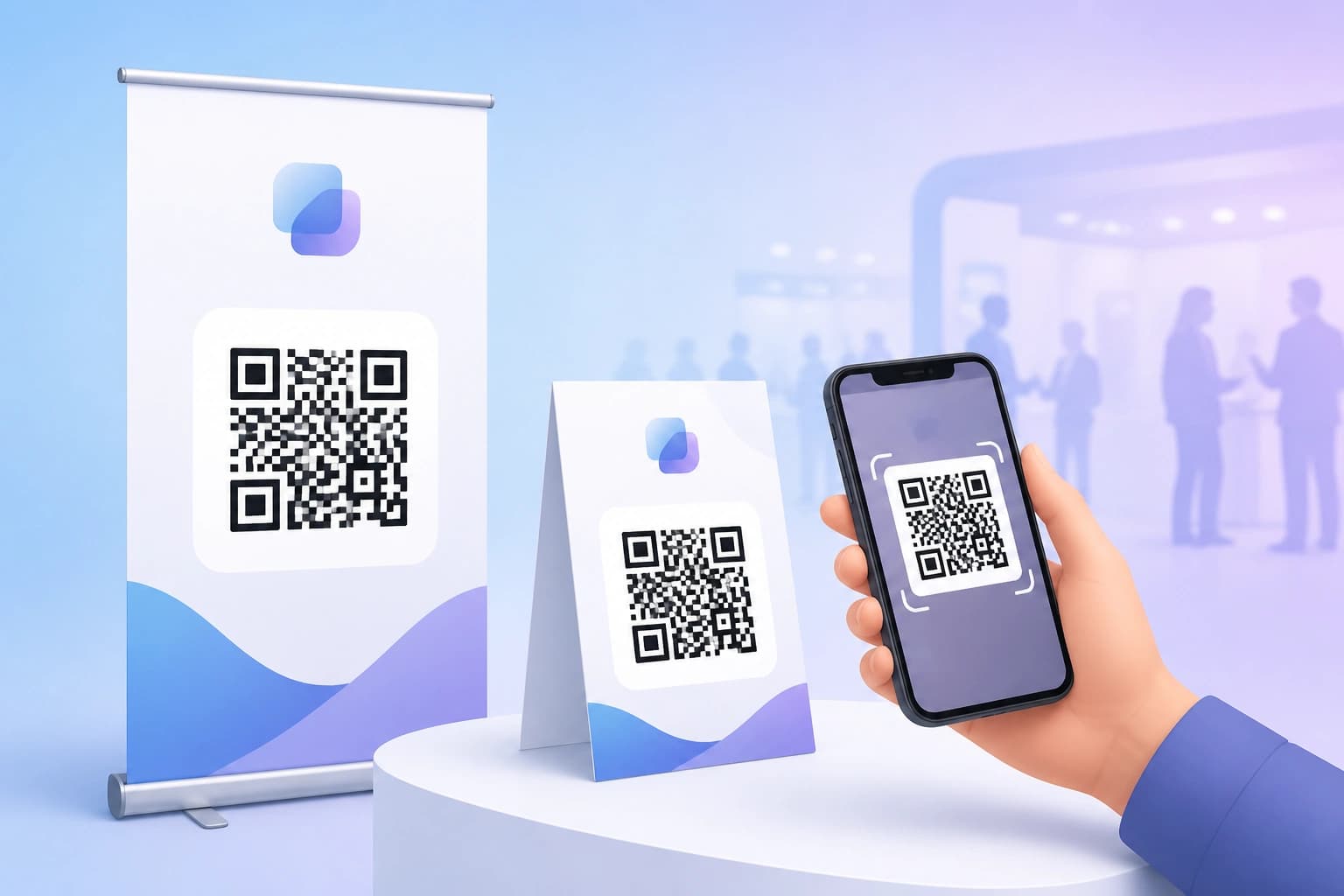
Tip: Review post-event traffic and export click history for follow-up reporting.
Product proof
Viso.li QR codes route through short links, so offline campaigns can still benefit from link-level analytics and exportable click history.
Booth offer link
viso.li/booth-offer
892
Visits
756
Visitors
9
Countries
Scan to visit
Scans over time
Value framing
Static QR tools create a code. Viso.li connects QR sharing to short-link analytics so teams can understand traffic after people scan and click.
QR generation plus redirect tracking
Analytics after visits arrive
CSV export for campaign reports
Unlimited
QR codes
By link
Traffic view
Print and events
Offline use
Pricing
Free
$0
10 links per month, one year of history, unlimited QR codes, and basic analytics.
Starter
$2.99/mo
100 links per month, two years of history, and extended analytics for growing workflows.
Pro
$9.99/mo
500 links per month, API access, and advanced analytics for growing businesses.
FAQ
Clear boundaries keep the page honest: Viso.li focuses on short links, QR codes, analytics, exports, and API access on supported plans.
Yes. The current product packaging describes unlimited QR codes, including on the Free plan.
Viso.li tracks traffic through the short link after someone scans and visits. It should be described as tracked redirects and click analytics rather than a standalone scan counter.
Yes. They are useful for posters, flyers, menus, packaging, conference materials, and presentations.
No. Viso.li provides short links, QR codes, and analytics, not print design or event management tooling.
To learn more

Learn how trackable QR codes and short links measure offline marketing performance with geographic, device, and referrer analytics.
Read article
Use expiring short links for flash sales, event registration, and promo campaigns so outdated offers stop receiving traffic.
Read article
A practical guide to link shortening for small businesses—clean URLs, QR codes, and affordable analytics without enterprise complexity.
Read article