What you need
You need a Pro plan or an Enterprise plan. Those are the plans that can create an API key. The free plan and Starter can still make links in the dashboard. They cannot hand a key to an assistant. You also need an assistant that can read a web page and call an HTTP API. That might be a coding agent, or a chat app that can use tools. Viso.li does not include the assistant. If you want the plain meaning of the files it reads, start with what AI ready means.Make a key
- Open the dashboard.
- Go to Settings, then API.
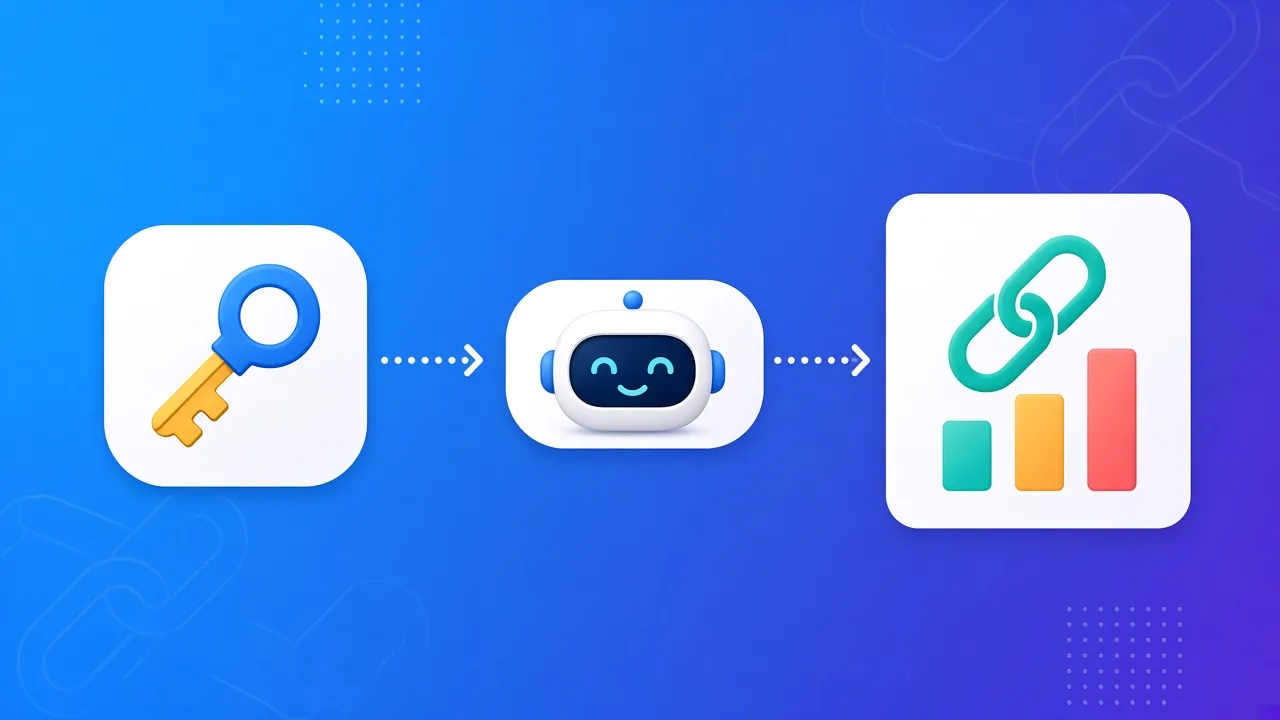
- Generate a key.
- Copy it once and store it somewhere private, such as a password manager.
sk_api_. The dashboard shows the full key when you create it. After that, treat a lost key as gone. Generate a new one if you need to. A new key breaks anything still using the old one.
Do not put the key in a public chat, a screenshot, a ticket, or a git repo. Anyone with the key can create links and read your click stats.
Point the assistant at the map
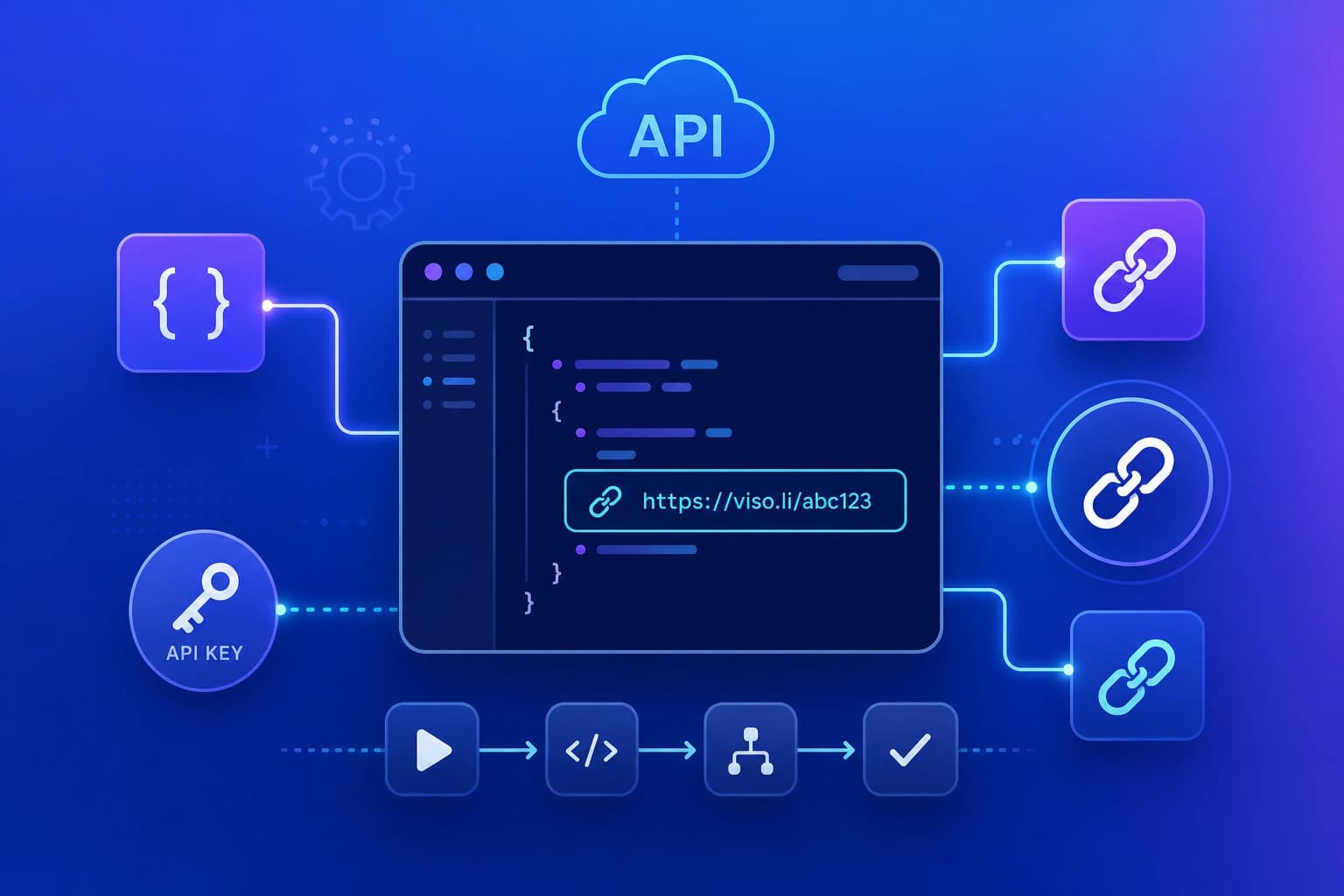
Tell the assistant to read these two addresses before it does anything: The first file is a short map of the docs. The second is the list of actions, written as OpenAPI 3.1. If the assistant wants the whole reference in one file, it can also open https://viso.li/llms-full.txt. You do not need to paste the docs into the chat. Give it the URLs and the key. Ask it to send the key as a Bearer token, in the headerAuthorization: Bearer plus the key. Requests without that header fail.
If your tool uses MCP, point that tool at the OpenAPI file. MCP is the plug. Viso.li is the API behind it. Viso.li does not host the MCP server.
Ask for one small job
Start small so you can see that it worked.- Ask it to create one short link to a page you own, such as your homepage.
- Ask it to read that link back, so you can see the short URL.
- Open the short URL yourself, once.
- Ask it to read the click stats for that link.
If it stops working
Check these in order:- The plan is still Pro or Enterprise.
- The key in the assistant matches the key in Settings, API.
- The request uses HTTPS and the Bearer header.
- You have not used 50 calls yet today.
- The assistant read
llms.txtoropenapi.json, so it is calling a real path.