When Manual Link Creation Breaks Down
Creating links one at a time in a dashboard works for occasional campaigns. It does not scale when your product, script, or workflow generates dozens or hundreds of URLs automatically—user invitations, dynamic landing pages, affiliate payouts, or CI/CD artifact links. That is when a link shortener API becomes essential.Common API Use Cases
SaaS and Product Workflows
Generate a unique short link when a user shares content, invites a colleague, or publishes a resource. The API fits naturally into backend services that already create URLs programmatically.Marketing Automation
Connect your email platform, CRM, or custom scripts to create tracked links at send time without copying and pasting from a dashboard.Internal Tools and Dashboards
Operations and support teams often build internal tools that need reliable redirects with logging. An API keeps link creation inside your existing workflows.Developer and Open-Source Projects
Track downloads, documentation visits, or release assets with short links created from build pipelines or documentation generators.How a Link Shortener API Works
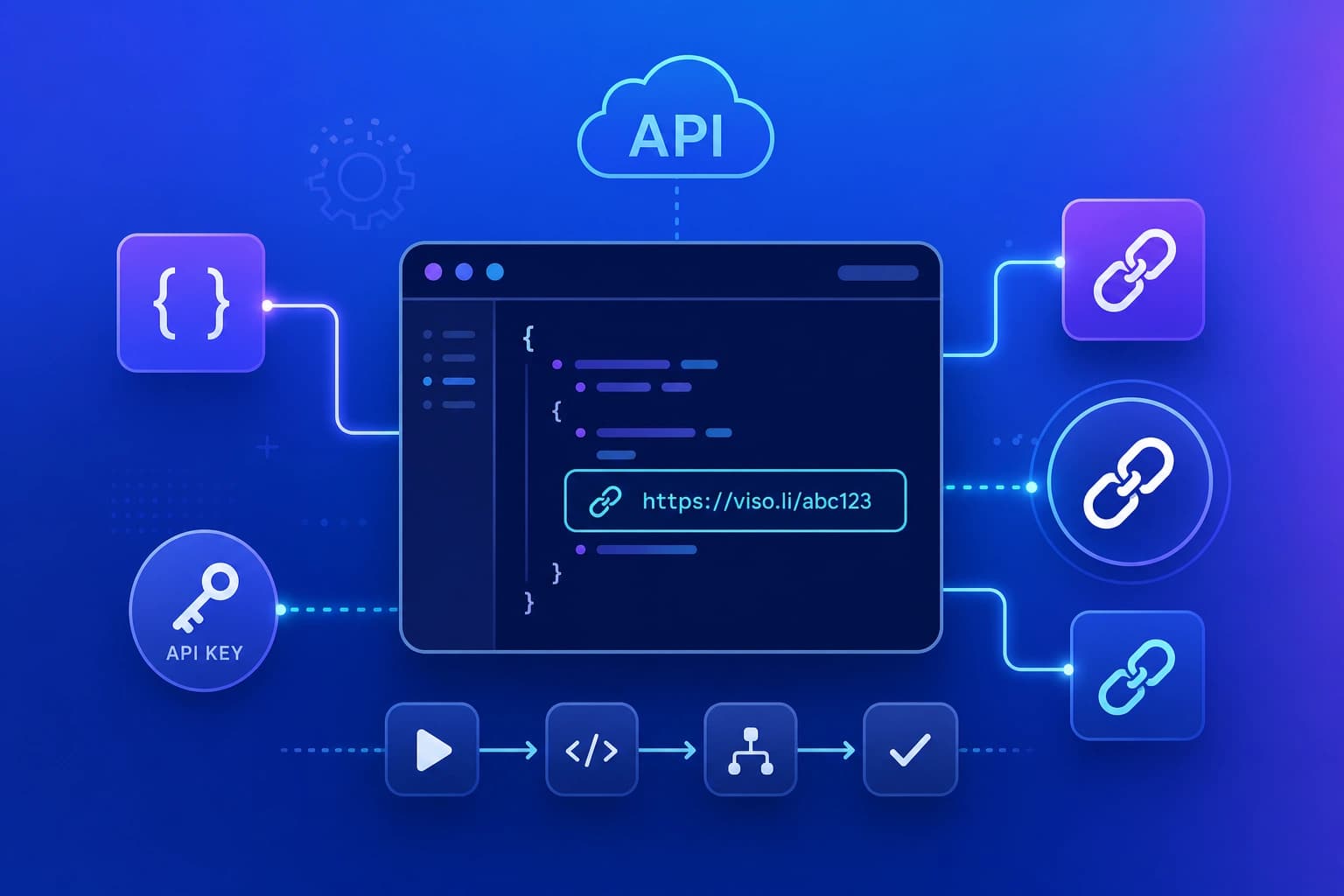
Most link shortener APIs follow a similar pattern:- Authenticate with a bearer API key tied to your account.
- Send a request with the destination URL (and optional settings like expiration).
- Receive a short link in the response.
- Track usage through the same analytics dashboard as manually created links.
Authentication and Rate Limits
API keys should be treated like passwords—store them in environment variables, never commit them to source control, and rotate them if exposed. Viso.li uses bearer token authentication. Each request includes your API key in the Authorization header. Rate limits and quotas protect the platform; check your plan details for current limits on the Pro and Enterprise tiers.Getting Started with the Viso.li API
API access is available on the Pro plan ($9.99 per month) and Enterprise plan ($49.99 per month). After upgrading:- Generate an API key from your account settings.
- Call the link creation endpoint with your destination URL.
- Share or embed the returned short link.
- Monitor clicks in the same analytics views you use for dashboard-created links.