Where Instagram allows a link
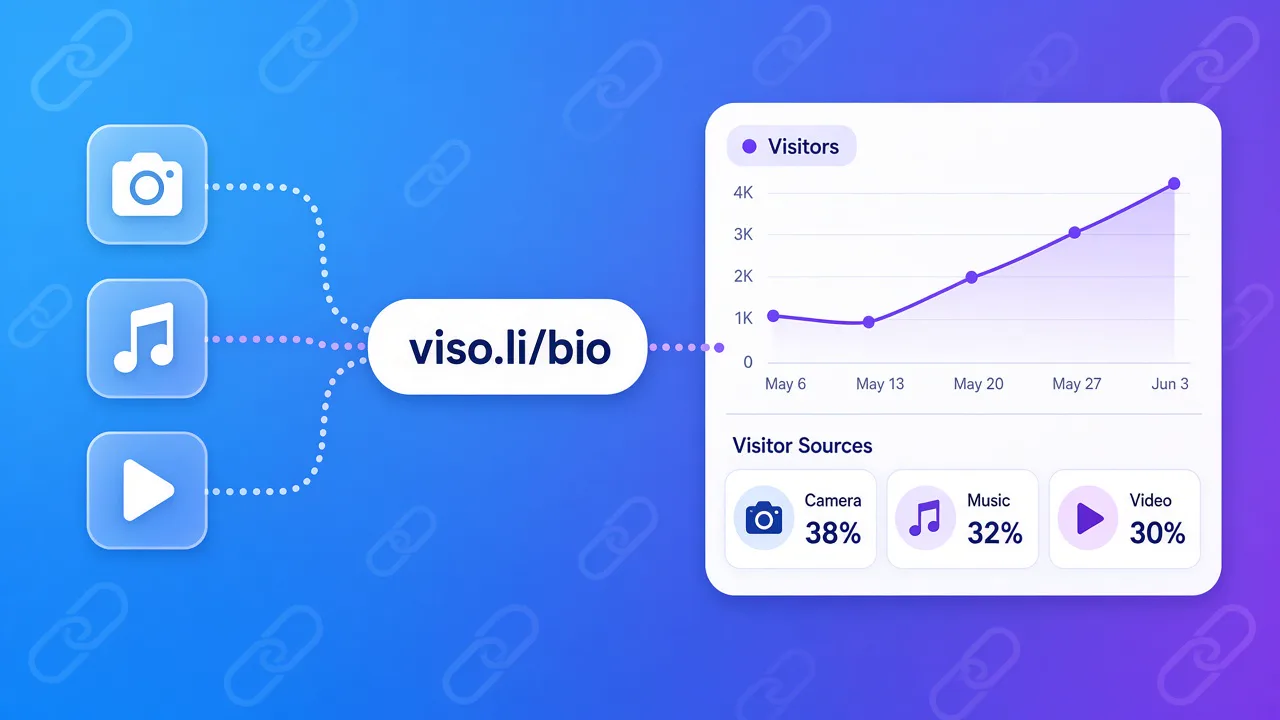
A normal feed post still does not take a clickable website link. The two places that do are the website field on your profile, and a link sticker on a story. DataReportal's Digital 2026 report says 55.1% of online adults had used Instagram in the past month, in a Q2 2025 survey. That is a large audience stuck behind one profile link. The shared setup for Instagram, TikTok, and YouTube is in how to track link in bio clicks.Bio and story, counted apart
If the bio and the story use the same URL, you cannot tell a profile tap from a sticker tap. Use two short links to the same page:viso.li/ig-bioin the website fieldviso.li/ig-storyon the story sticker
One next step, not a pile of buttons
Viso.li is a link shortener. It does not build a mini page of buttons. If you only need one destination this week, put that short link straight in the bio. Fewer taps, and every tap is counted. If you already use a button page, put a different short link on each button. Then you know whether people wanted the shop or the newsletter. Swapping the bio link every day confuses anyone who saved your profile. Change the destination behind a stable short link when the offer changes and you do not need a new count.What a good week looks like
- Pick the page this week's posts should open.
- Create the bio link and, if you will post a story, a story link.
- Paste the bio link. Name it in the profile, not just "website."
- Add the story sticker on the frame where you make the offer.
- Check the two links after one day and after seven.