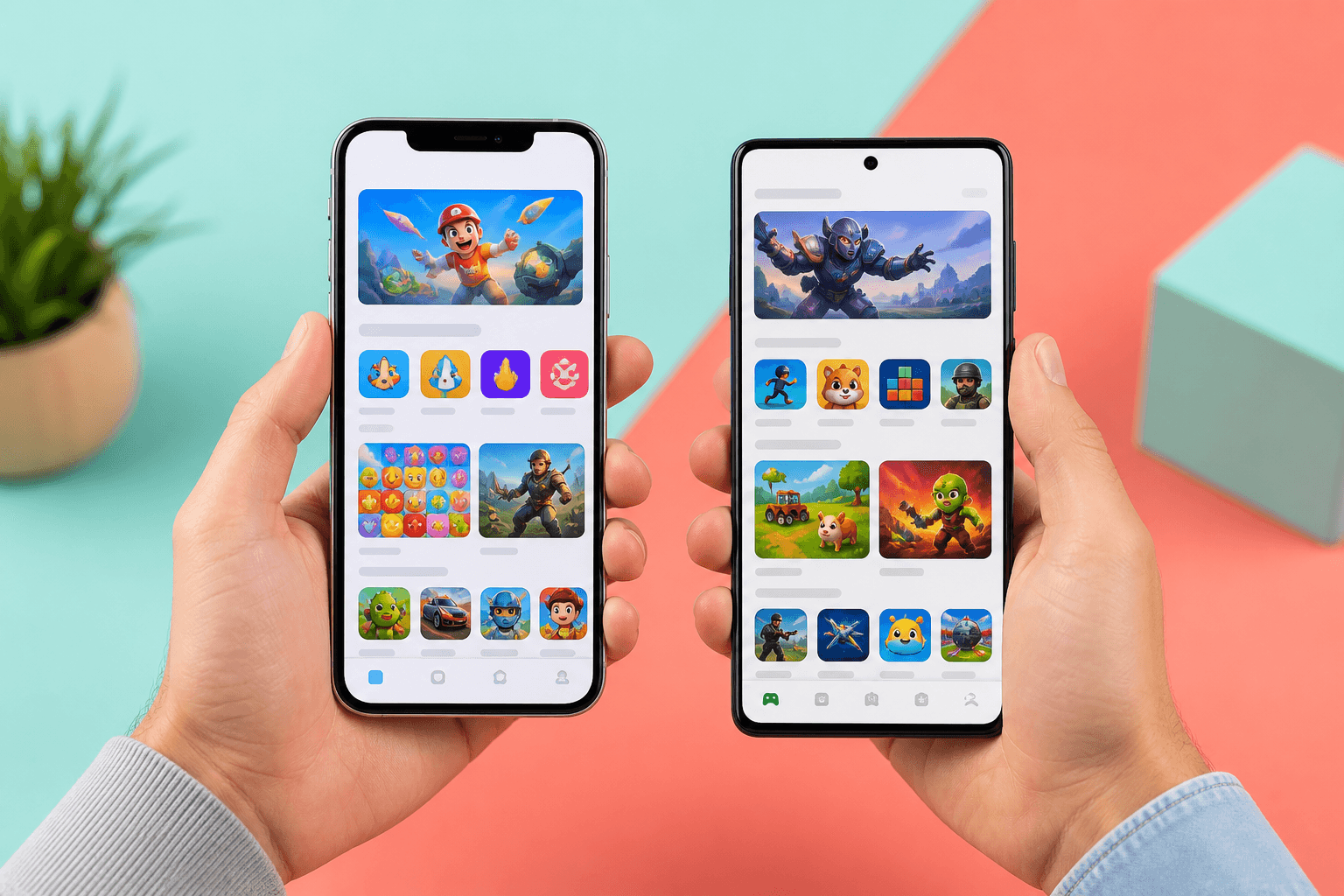
Why mobile games need two store links
A mobile game usually lives in two stores. iOS players need the App Store. Android players need Google Play. If you paste one long store URL everywhere, the wrong phone hits a dead end, and you cannot see which store page people opened. App Store Connect and Play Console are great for installs later. They do not show which TikTok, Discord post, or influencer story sent someone to the store page. That is where a campaign helps. A campaign groups short links around a goal. For iOS vs Android, the useful goal is Compare. You attach one App Store link and one Play Store link. Then you see each phone store's share of visits on one page.What iOS vs Android looks like as a campaign
Make two short links for the same game:viso.li/iospoints at your App Store page.viso.li/androidpoints at your Google Play page.
Why this is great for mobile teams
It is easy to think Android will always win on raw clicks because there are more Android phones. That may be true. It may also hide a strong iOS audience in your Discord or on Instagram. A Compare campaign helps you see the real mix from the links you shared. That is useful when you decide:- Which store to list first in a bio
- Which store to pin in a TikTok comment
- Whether an iOS influencer post is worth another boost
A friendly setup you can reuse
- Create one short link for the App Store and one for Google Play.
- Open Campaigns and pick Channel test.
- Name it something clear, like "Mobile launch iOS vs Android."
- Attach both store links. One link per store keeps the comparison fair.
- Share the iOS link in iOS leaning posts. Share the Android link in Android leaning posts.
What to read on the campaign page
The campaign page merges analytics for both links. You get visits, visitors, referrers, countries, and devices. Compare adds a share bar so iOS and Android are easy to scan. Device data is extra helpful here. If most Android link clicks come from phones, you are in good shape. If a lot of iOS link clicks come from desktop, people may be opening the App Store page on a computer first. That is still useful to know. A few honest limits:- A visit means someone opened the store page through your short link. It is not an install.
- Unique visitors count different people. Total clicks count repeats too.
- Store review times and region availability can change when a page is even clickable. The campaign only measures the links you shared.
How Viso.li campaigns help mobile game teams
Viso.li keeps the setup small so a two person studio can use it on launch day.- One campaign for both phone stores. App Store and Play Store sit together.
- A share bar for iOS vs Android. Compare is built for this exact side by side view.
- Device and country clues. See whether visits match the phones and regions you expected.
- Store consoles stay in charge. Keep App Store Connect and Play Console for installs. Use Viso.li for the shared links that sent people there.
A workflow for every mobile update
- Make or reuse one short link per phone store.
- Start a Channel test campaign and attach those links.
- Put the matching link in TikTok, Instagram, Discord, email, or a printed QR.
- After the first day, open the campaign page.
- Read the share bar, check devices if you want, and plan the next post.