What a short link records
A link shortener takes a long URL and gives you a short one. When someone clicks it, the shortener writes down the visit and then sends them to the original page. The person barely notices the hop. That written-down visit is the useful part. A normal website address does not tell you which post, email, or flyer sent the person. The short link does, because you chose where to put it. Viso.li shows visits, unique visitors, location, devices, referrers, and timing for each link. The free plan includes 10 links a month, QR codes, and basic analytics.Why one long URL hides the source
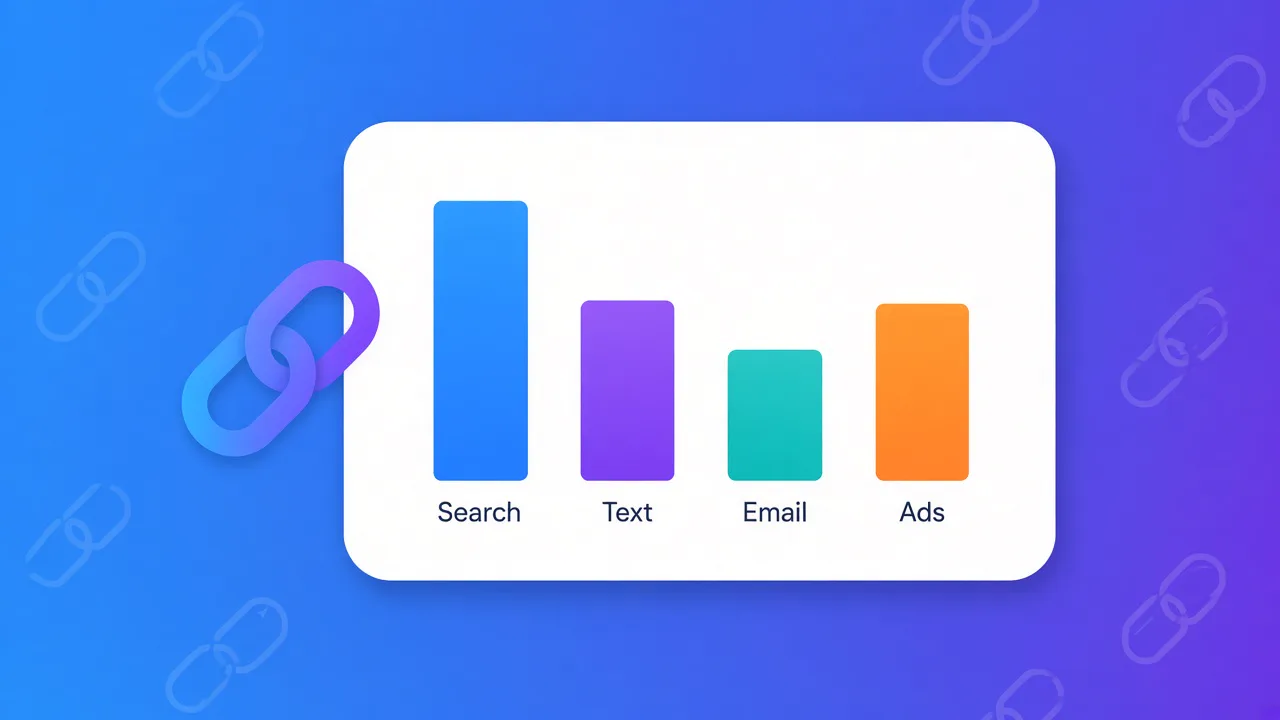
Paste the same product page on Instagram, in a newsletter, and on a poster. Your site analytics often sees three visits to one page. It cannot tell the poster from the email. Give each place its own short link, even when they open the same page:viso.li/ig-launchin the Instagram bioviso.li/news-launchon the newsletter buttonviso.li/poster-launchbehind the QR code on the flyer
The numbers worth reading
Start with four:- Visits. Every click, including someone who taps twice.
- Unique visitors. How many people acted, not how many taps you got.
- Device. Bio and chat traffic is mostly phones. A slow phone page wastes those clicks.
- Referrer and time. Where the click came from, and whether it arrived in the first hour or the next day.
One link per place
The habit is simple. One short link for each button, post, or print piece you want to compare. Reusing one link mixes the results and hides the winner. A QR code is the same link, drawn as a square. Scans and typed clicks land in one report. QR code statistics cover how common scanning already is.How this sits next to UTM tags
UTM tags are extra words on a long URL, such asutm_source=newsletter. They help tools like Google Analytics name the campaign. They also make the link long and ugly.
A short link can point at a URL that already has those tags. People see viso.li/news-launch. Your analytics still receive the campaign name. UTM parameters and link tracking shows when to use each.
A small check after you share
- Create one short link per place you will share the page.
- Paste those links. Do not leave the long URL in one of the spots "just this once."
- Open the dashboard the next day. Compare visits, not likes.
- Export a CSV if you need the clicks in a spreadsheet.