Time-Bound Campaigns Need Time-Bound Links
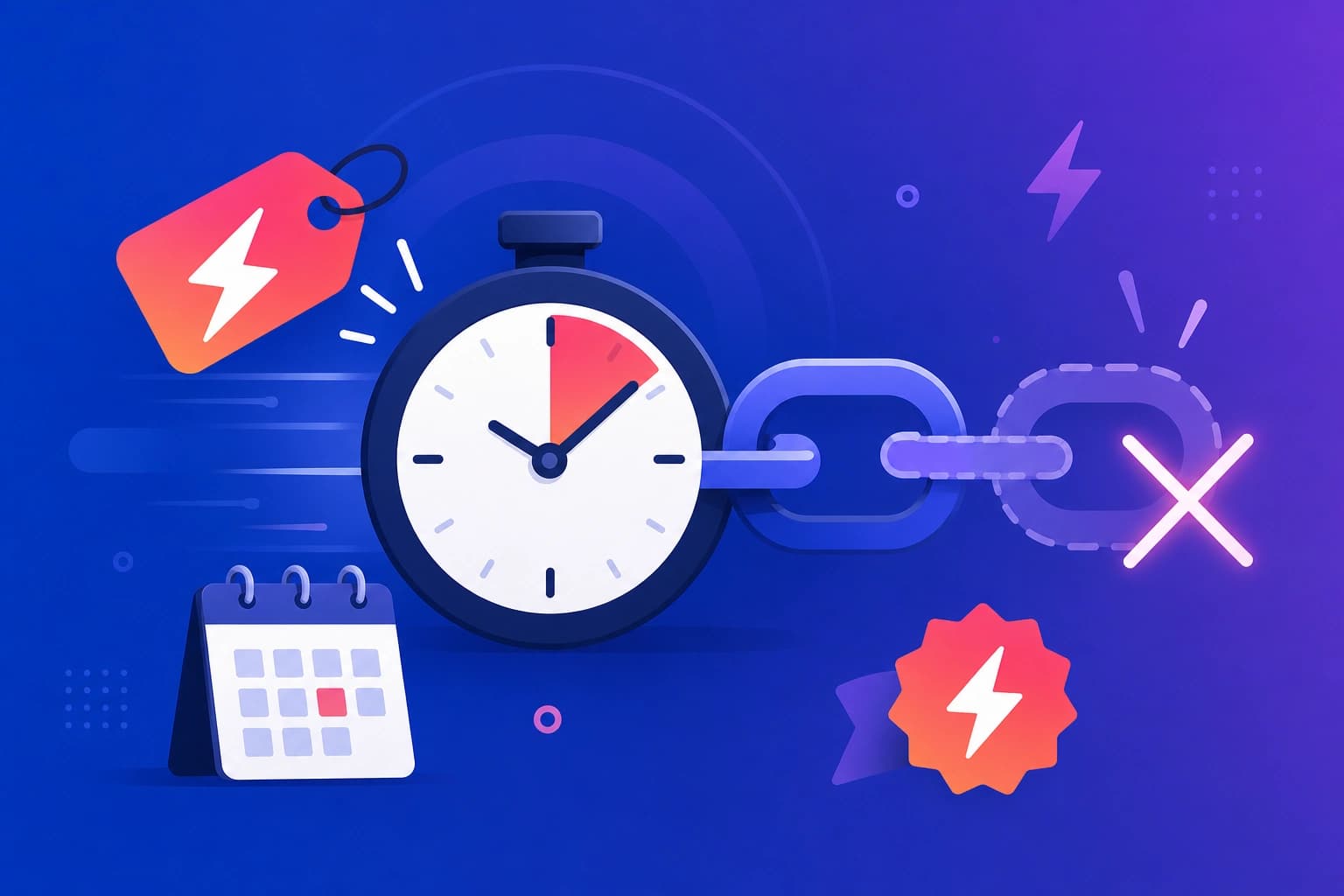
Flash sales, event registrations, seasonal promotions, and limited coupon codes all have an end date. But a link shared on social media, email, or print can keep working long after the offer expires—leading to frustrated customers, support tickets, and misleading analytics. Expiring short links solve this by automatically stopping redirects after a date you choose.Why Expiring Links Matter
Prevent Stale Promotions
A Black Friday link that still works in January may show an expired sale page or wrong pricing. An expiring link stops sending traffic once the campaign ends.Protect Event Registration
Conference signup links should close when registration closes. Expiration ensures late clicks do not reach a form you are no longer monitoring.Keep Analytics Clean
Post-campaign clicks from outdated links inflate your numbers and confuse reporting. Expiration draws a clear line between active and completed campaigns.Common Use Cases
Flash Sales and Promo Codes
Set expiration to the exact end of your sale window. Share the short link in email and social posts knowing it will not accept traffic after midnight.Webinars and Events
Create a registration link that expires when the event starts or when capacity is reached. Pair with analytics to measure sign-ups leading up to the deadline.QR Codes on Print Materials
Printed QR codes cannot be updated after distribution—but expiring links limit how long scans remain active, reducing long-term exposure from outdated campaigns.Setting Expiration in Viso.li
Viso.li supports optional link expiration when you create a link from the dashboard:- Create a short link for your campaign destination.
- Set an expiration date matching your offer or event end.
- Share the link across your channels.
- After expiration, the link no longer redirects as an active link.