What your email tool already knows
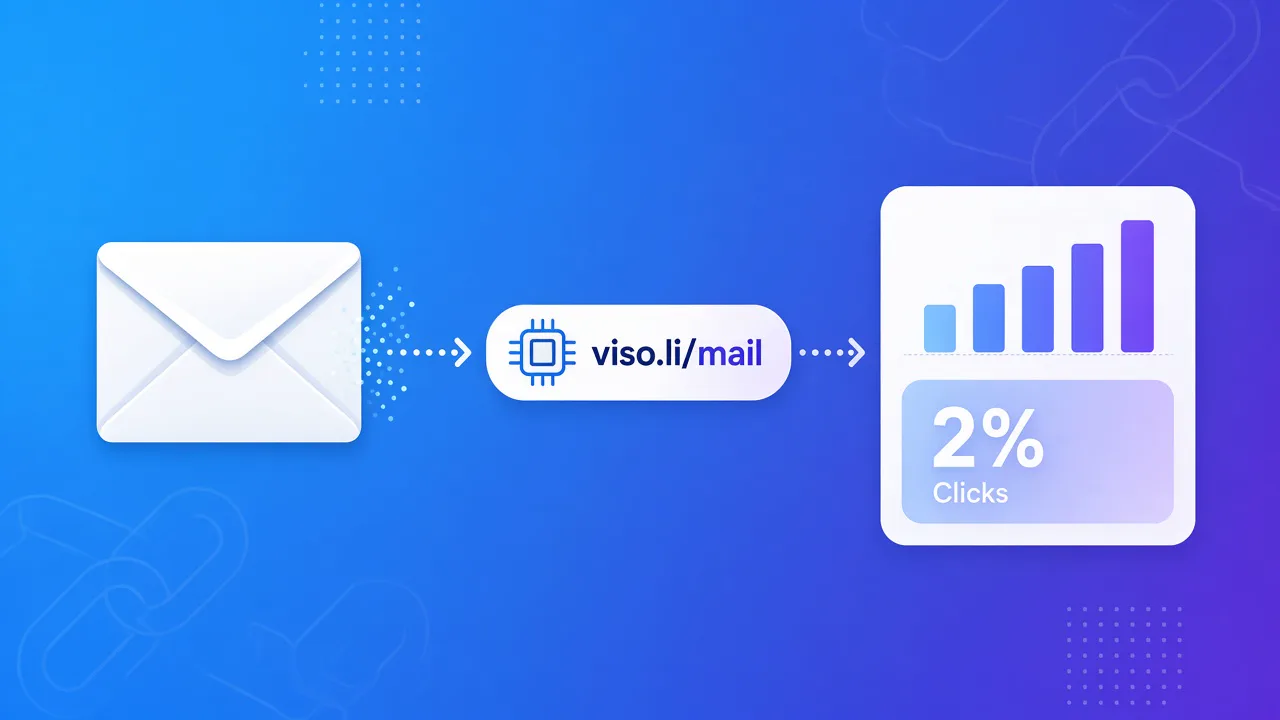
A normal email click rate sits near 2%. MailerLite's 2025 benchmarks put the median at 2.09% across 3.6 million campaigns. The industry spread is wide. The write-up is in average email click-through rate. Your sending tool is the right place for that rate. It knows who was delivered the email, who clicked, and which button inside the message they hit. Keep using it for the send. It usually stops at the inbox. It will not tell you the country, whether the click was a phone, or how the same page did on Instagram the next day.What to add on top
Put a short tracking link on each button you want to read after the click.viso.li/news-mainon the main buttonviso.li/news-sponsoron a partner linkviso.li/news-igif you share that same page from a bio later
Plain text and long URLs
In an HTML email the reader sees the button label, not the URL. A short link still helps you, because the measurement travels with the link after they leave. In a plain-text email the reader sees the address. A URL full ofutm_source and utm_campaign is hard to read and easy to distrust. A short link is the line you would actually want in the message. Deliverability still depends on the list, the sender, and the content. The link shape is not a spam cure.
A number you can compare
Click rate = clicks divided by emails delivered, then times 100. You deliver 1,500 emails and 33 people click the main button. 33 divided by 1,500 is 0.022. That is 2.2%, close to the 2.09% median. If the same person clicks twice, decide whether you are counting people or taps, and keep that choice next time. If the rate is far below your last send, check the subject and the button text before you change the link. Then open the Viso.li report. A burst of phone clicks and a slow mobile page is a different problem from a subject line nobody trusted.A send checklist
- Decide which buttons need their own count.
- Create one short link for each.
- Paste them into the email. Send yourself a test and tap each one.
- Read the email tool for the click rate. Read Viso.li for device, country, and the comparison with other channels.
- Export a CSV when a partner or a teammate needs the clicks outside the dashboard.