QR Code Tracking: How to Measure Offline Campaign Performance

Learn how QR code tracking helps you measure offline campaign performance. Discover how to track scans from posters, events, and packaging easily.

By Viso.li Team
Team
|Last updated: July 2, 2026|7 minutes read
Use CaseQR CodesAnalyticsOffline Marketing
QR Code Tracking: How to Measure Offline Campaign Performance

What is QR code tracking?

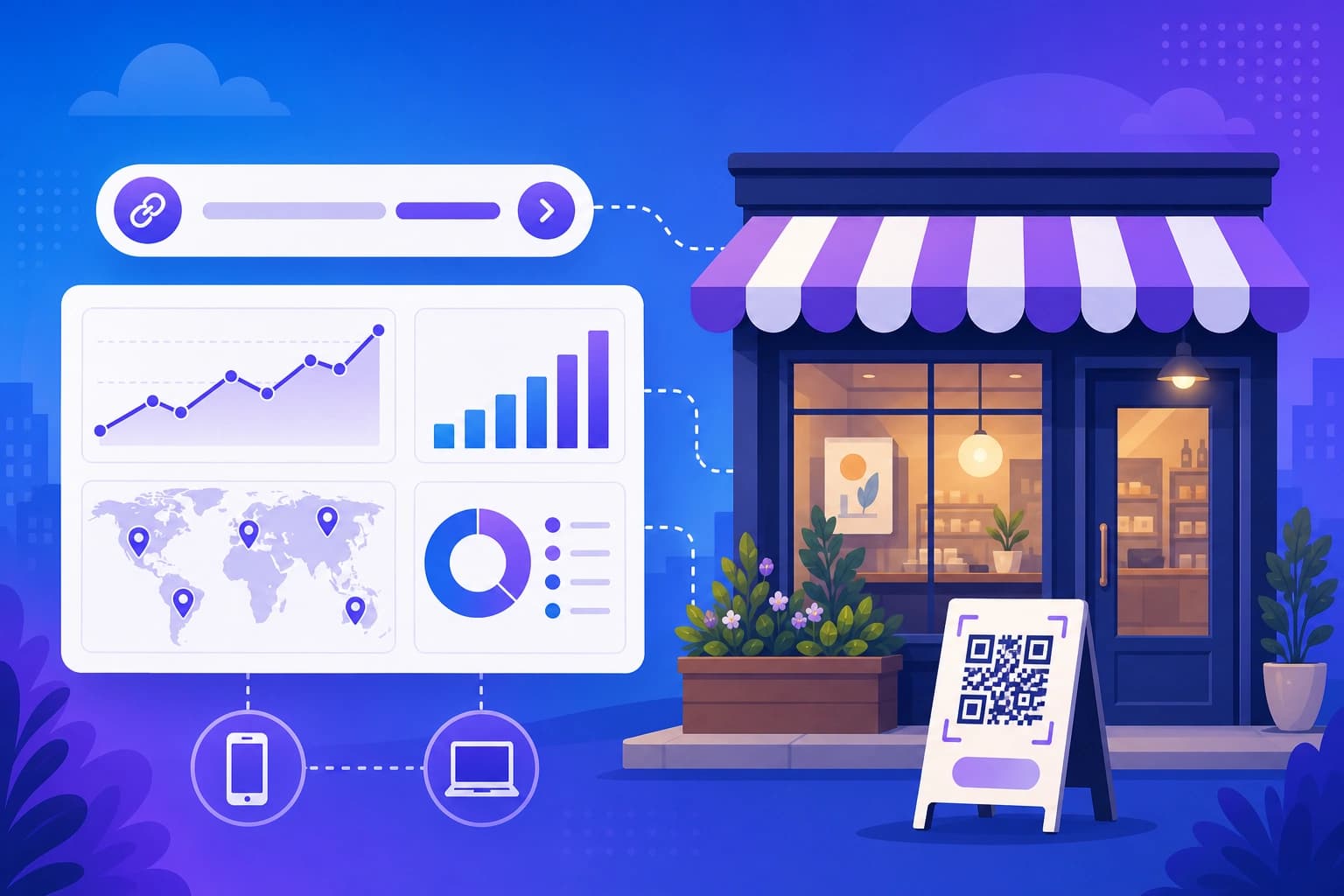
QR code tracking is a simple way to see how many people scan your QR codes and what they do next. When you create a trackable QR code, it does not just send people to your website. It acts like a digital counter. Every time someone points their phone camera at the code, the system records the scan. This helps you understand if your offline marketing is actually working.

Why offline campaigns are hard to measure

If you run a business, you know that online ads are easy to track. You can see exactly how many people clicked your Facebook post or opened your email. But offline marketing is different. When you print a poster, hand out a flyer, or put an ad in a local magazine, you usually have to guess how many people saw it. You might ask new customers how they found you, but many people forget or do not want to say. This makes it very hard to know if the money you spent on printing was worth it. You are left hoping that your offline campaigns are bringing in business, without any real proof.

How trackable QR codes work

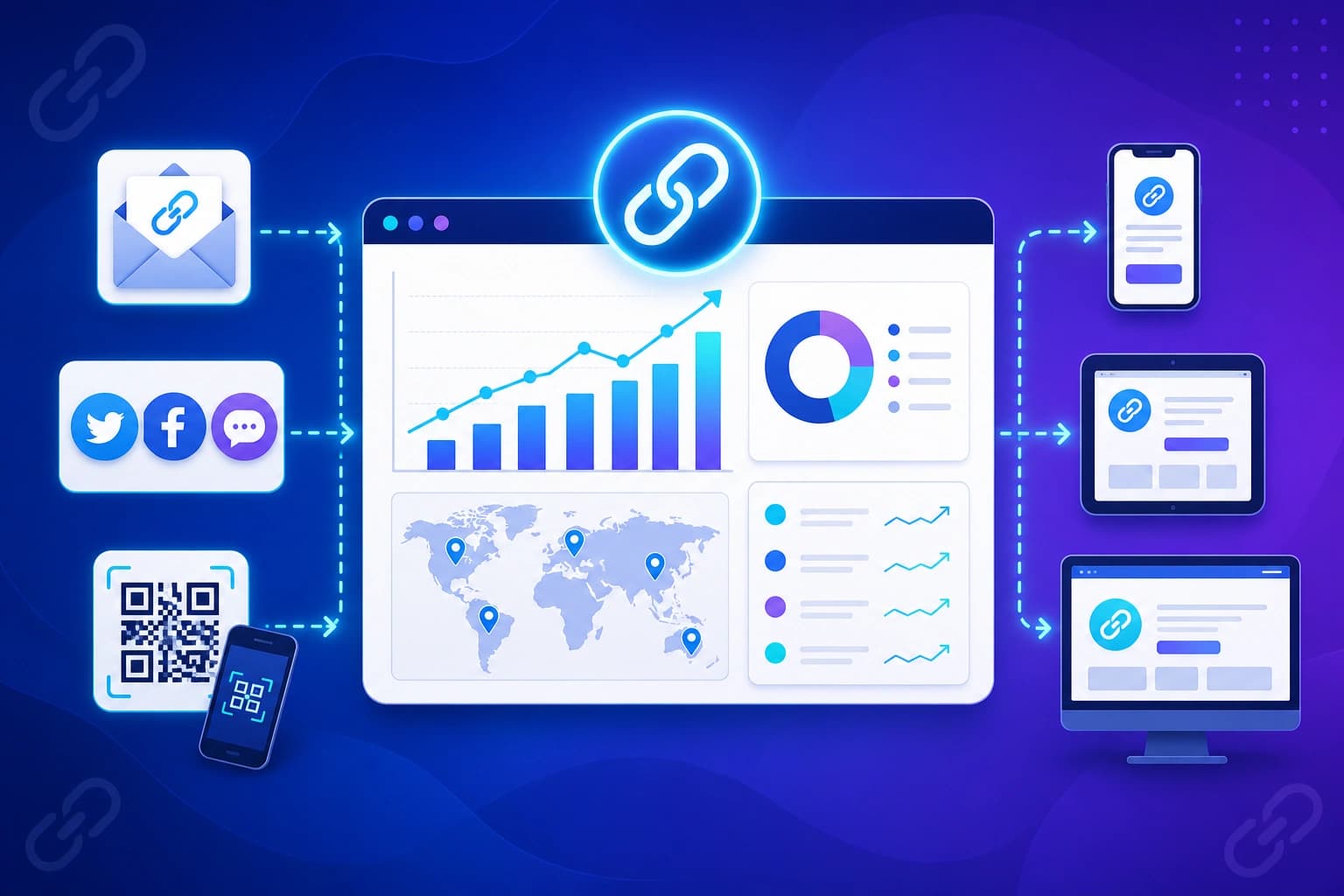
Trackable QR codes solve this problem by connecting the physical world to the digital world. Instead of typing a long website address, your customer just scans the square image. Behind the scenes, the QR code contains a short link. When the customer scans the code, they are quickly routed through that short link before landing on your final website. This happens so fast that the customer does not even notice. But in that split second, the tracking system counts the scan and gathers helpful information about the visit.

QR codes for posters and flyers

Posters and flyers are classic marketing tools, but they need a clear call to action. Adding a trackable QR code gives people an easy way to learn more right away. If you put up posters in three different coffee shops, you can use a different QR code for each one. This tells you exactly which coffee shop brings you the most visitors.

QR codes for events

Events and trade shows are busy places. People do not want to carry around heavy brochures or type out long website addresses on their phones. A QR code at your booth lets them save your information instantly. You can track how many people scanned your code during the event, which helps you decide if the event was worth your time and money.

QR codes for menus and packaging

If you run a restaurant or sell physical products, your packaging is prime real estate. A QR code on a menu can lead to a special discount or a page where customers can leave a review. A code on a product box can show an instruction video. Tracking these scans helps you see how customers interact with your brand after they make a purchase.

QR codes for presentations

When you give a presentation, you want your audience to take action. Instead of putting a long link on your final slide, display a large QR code. People can scan it from their seats to download your slides, sign up for your newsletter, or book a meeting. The tracking data will show you exactly how engaged your audience was.

What QR code analytics can show you

When you use a smart tracking tool, you get access to a dashboard full of helpful information. Here is what you can learn from your scans:

Clicks and scans

This is the most basic and important number. It tells you exactly how many times your QR code was scanned. You can see if your campaign is gaining momentum or if it is time to try something new.

Country data

If you are running a campaign in different regions, country data shows you where your scans are coming from. This is especially useful if you sell products internationally or want to know if tourists are scanning your local ads.

Device data

Device data tells you what kind of phones your customers are using. Since everyone scanning a QR code is on a mobile device, this information helps you make sure your website looks perfect on both iPhones and Android devices.

Referrer data

While most QR code scans will show up as direct traffic, referrer data can sometimes tell you if people are sharing the link behind the QR code with their friends on social media or through text messages.

How to export QR code scan data

Sometimes you need to share your results with your team or look at the numbers in a spreadsheet. A good tracking tool lets you export your scan data easily. You can download a file that contains all your click history, making it simple to create reports or compare your offline campaigns with your online sales data.

How to create a trackable QR code with Viso.li

Viso.li makes it incredibly easy to create trackable QR codes for your business. You do not need any technical skills to get started. First, you paste your long website address into the Viso.li dashboard. The system instantly creates a clean short link. Then, with just one click, you can generate a QR code for that link. You can download the code and print it on your marketing materials right away. Every time someone scans your Viso.li QR code, the dashboard updates with fresh analytics. You get access to click tracking, geographic data, and device details without any complicated setup. Whether you are a local shop owner or a growing creator, Viso.li helps you measure your offline success clearly and affordably.

Share this article

Viso.li

Track every link you share

Create branded short links, measure click performance, and understand which campaigns drive traffic—without enterprise complexity.

Frequently asked questions