What is a Link Shortener with Analytics?
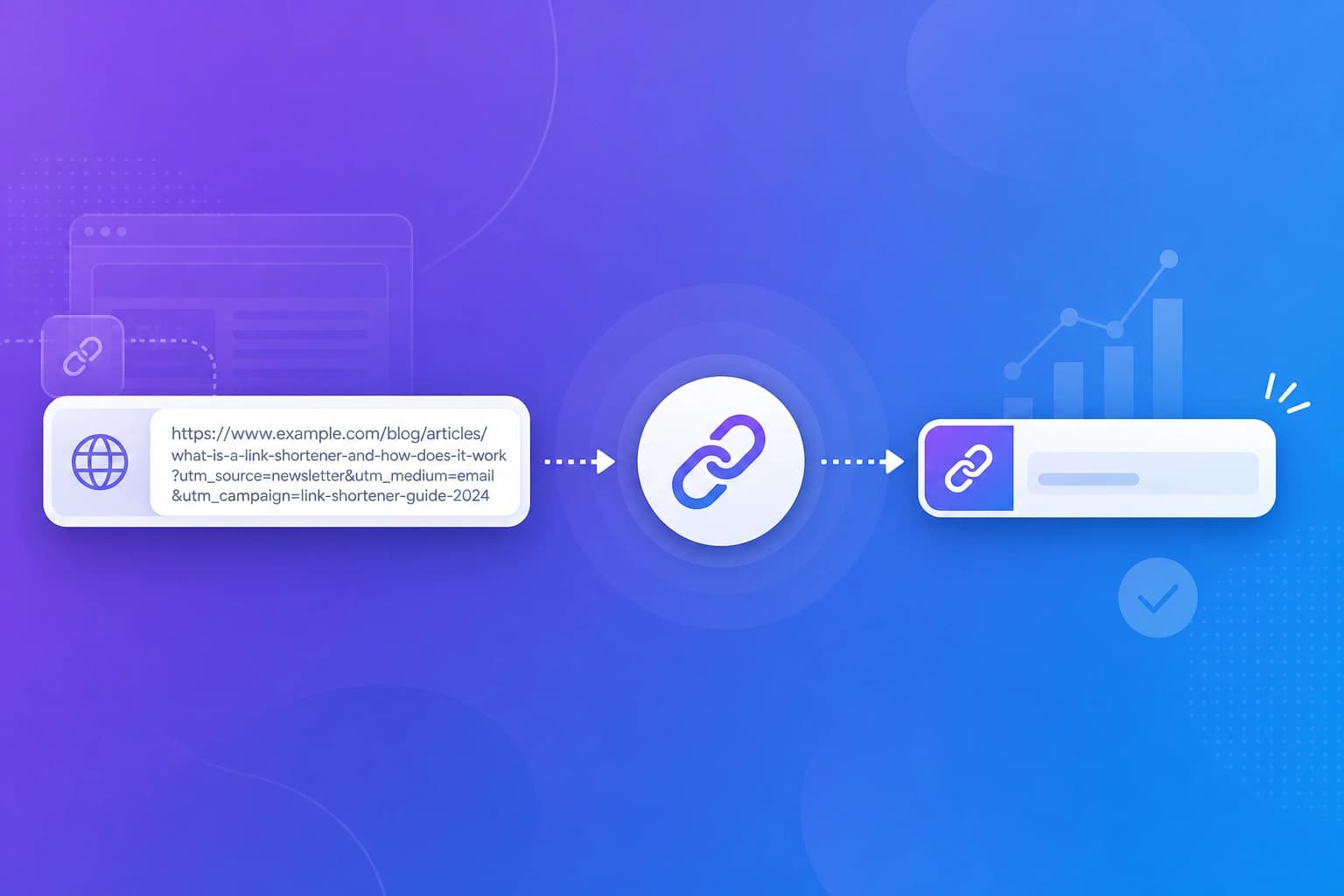
A link shortener with analytics is a tool that takes a long, messy website address and turns it into a short, clean link. But it does not stop there. Every time someone clicks that short link, the tool records valuable information about the visit. Instead of just sending people to a webpage, it acts like a smart tracker that helps you understand exactly who is clicking your links and where they are coming from.Why Small Businesses Need Link Analytics
If you run a small business, you probably share links all the time. You might put them in emails, social media posts, or even print them on flyers. Without analytics, sharing a link is like handing out flyers in the dark. You have no idea if anyone is actually reading them. Link analytics shine a light on your marketing efforts. They show you which campaigns are working and which ones are falling flat. This means you can stop wasting time on things that do not work and focus your energy on the channels that actually bring in customers. You do not need a huge marketing team to make smart decisions when you have clear data right in front of you.Key Features to Look For
When choosing a link shortener for your business, you want a tool that gives you the right information without being overly complicated. Here are the most important features to look for:Click Tracking
This is the foundation of any good link shortener. Click tracking tells you exactly how many times your link has been clicked over a specific period. It helps you measure the overall success of a campaign at a glance.Referrer Tracking
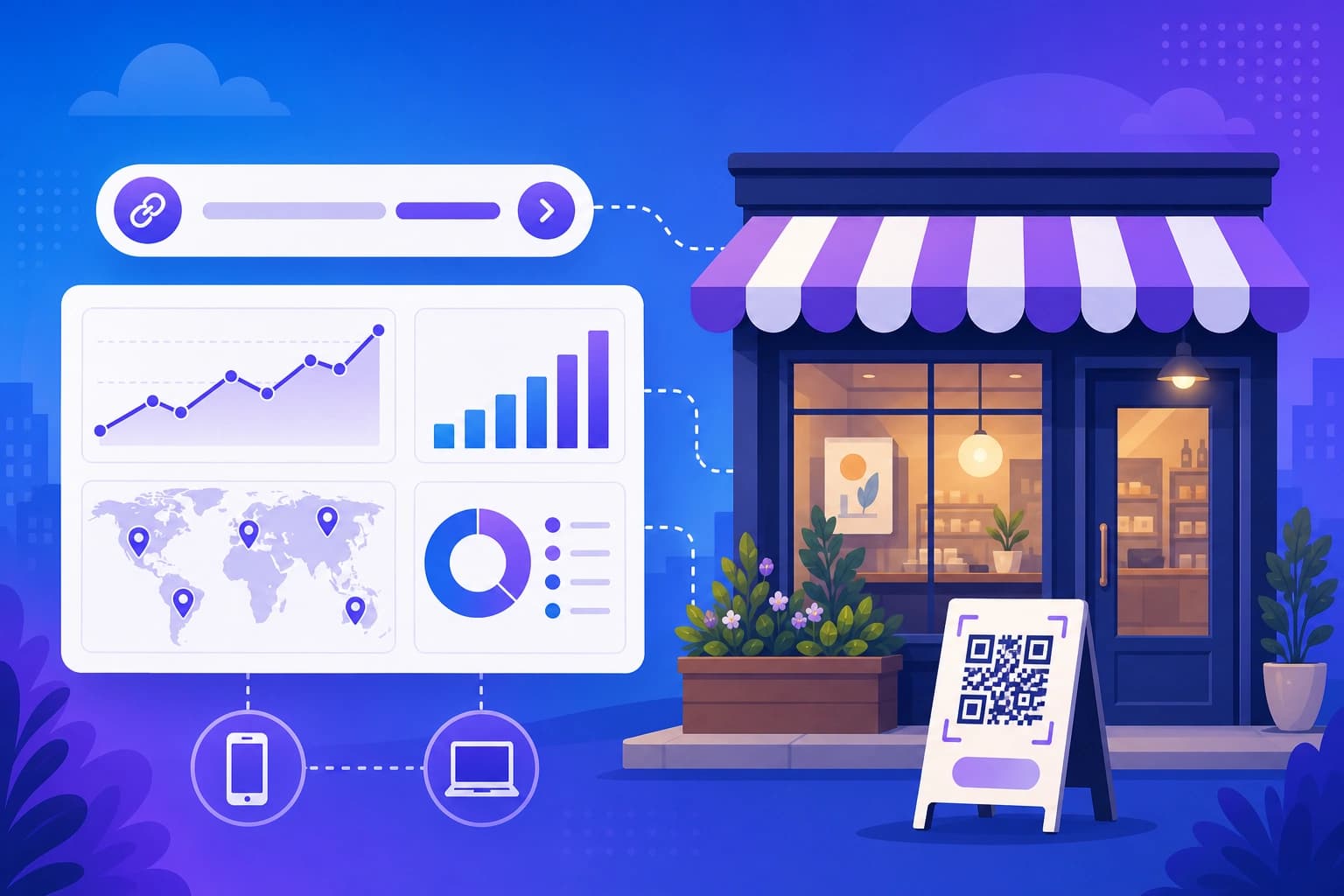
Referrer tracking shows you exactly where your clicks are coming from. Did they click the link on Facebook, in an email, or on another website? Knowing this helps you understand which platforms are driving the most traffic to your business.Country and Device Analytics
It is incredibly helpful to know where your audience is located and what devices they use. Country analytics tell you if your local campaign is actually reaching local people. Device analytics show whether your visitors are using mobile phones or desktop computers, which helps you ensure your website looks great for them.QR Code Support
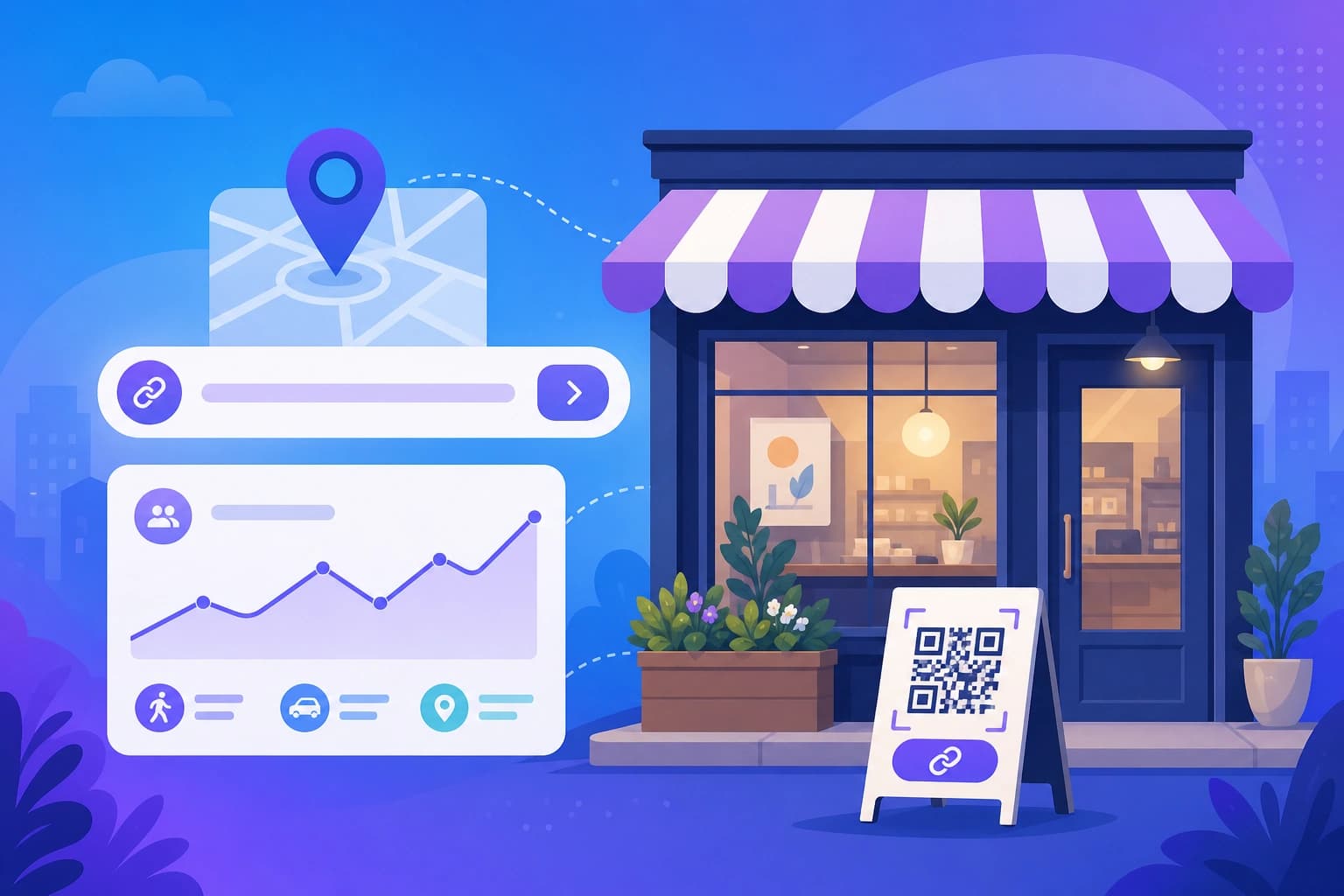
QR codes are perfect for bridging the gap between the physical and digital worlds. A good link shortener will let you generate a QR code for your short link automatically. You can put these codes on menus, business cards, or storefront windows, and track the scans just like regular clicks.CSV Export
Sometimes you need to look at your data in a spreadsheet or share it with a partner. A CSV export feature allows you to download your click history easily, making it simple to create reports or do deeper analysis.API Access
If your business uses other software tools, API access lets you connect your link shortener to them. This means you can create short links automatically from your other systems, saving you time and effort as your business grows.Free vs Paid Link Shorteners
Many link shorteners offer a free version, which is a great place to start. Free plans usually give you a limited number of links and basic analytics. This is often enough for very small businesses or those just starting out. Paid plans, on the other hand, unlock higher link limits, longer data history, and advanced features like API access and deeper analytics. The best approach is to start with a free plan and upgrade only when you find yourself needing more links or more detailed information.Best Use Cases for Small Businesses
Small businesses can use trackable short links in many creative ways:- Social Media: Use a unique link for each platform to see whether Instagram or LinkedIn brings you more customers.
- Email Marketing: Add short links to your newsletters to see which articles or offers get the most attention.
- Offline Marketing: Print QR codes on receipts or posters to track how many people visit your site after visiting your physical location.
- Special Promotions: Create a specific link for a holiday sale to measure exactly how much traffic that one campaign generated.